Aura Procurement Portal
A simpler way to purchase and manage business technology.
The Aura customer portal gives your organisation a faster, more controlled way to search products, access agreed pricing, place and track orders, and review previous purchases — all through one central platform.
When you need advice, specialist sourcing or a complex quotation, your dedicated Aura account manager is still available.
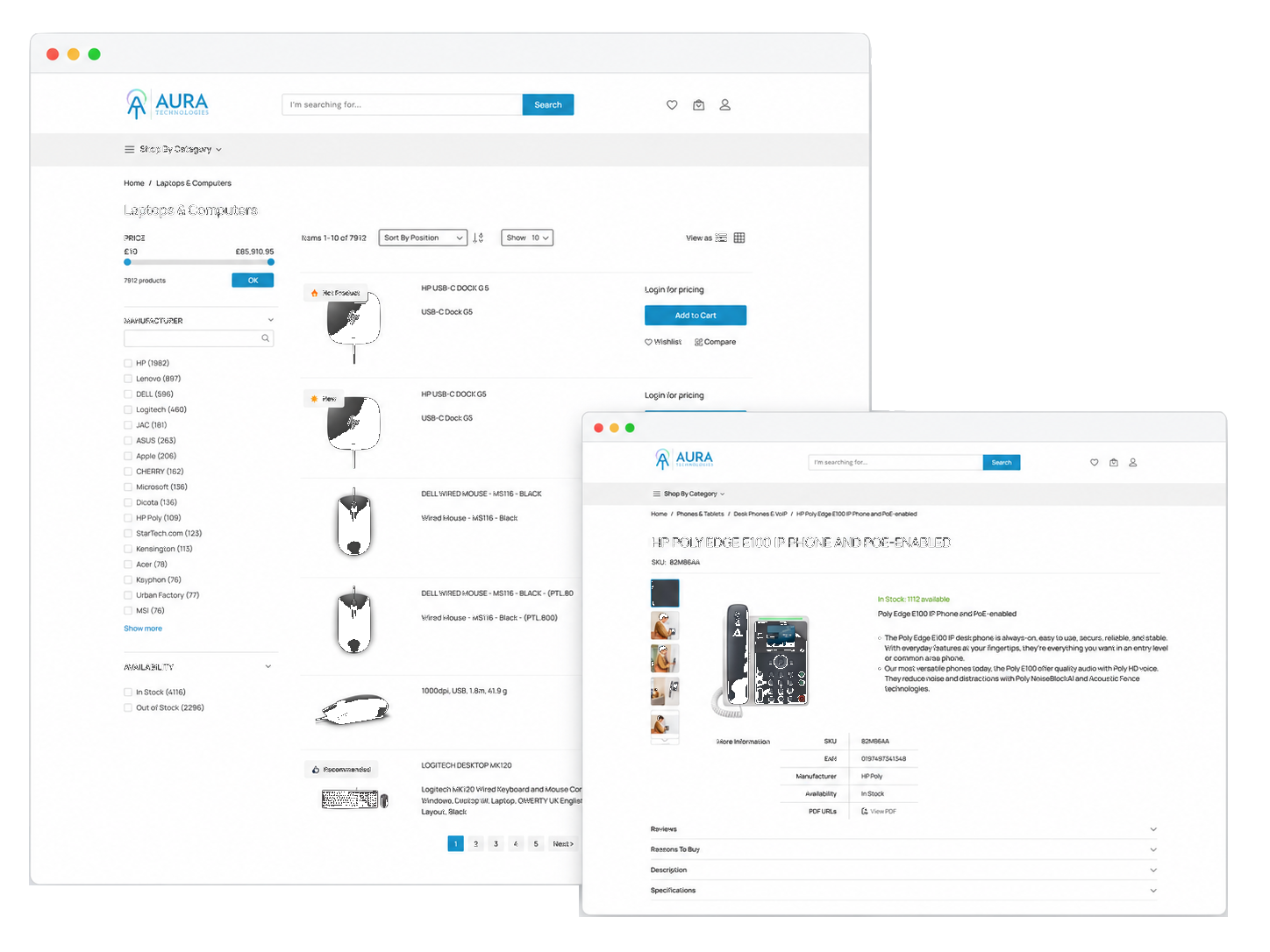

Search and compare
Find suitable products more quickly.
The portal makes it easier to review technology and identify available equipment without waiting for a manual response to every routine request.
Customers can view information including

From order to delivery
Follow purchasing activity through one central platform.
Once an order has been placed, authorised users can monitor its progress through the portal — with visibility at every stage.
Order confirmation
Current order status
Despatch information
Courier tracking
Estimated delivery information
Serial number, where available
Centralised order history
Maintain a clearer record of technology purchases.
The portal can help your organisation:
Purchasing control
Give different users the appropriate level of access.
Different portal users can be given different levels of purchasing authority, helping your organisation maintain appropriate control over technology purchases.
The final account structure is configured around your organisation’s requirements.
How to get started
Your portal configured around your organisation.
01
Book a demonstration
We show you how the portal works and discuss your current procurement process.
02
Agree your setup
We confirm users, pricing, products, delivery addresses and any required purchasing controls.
03
Configure your portal
Your customer account, catalogue and permissions are prepared around the agreed requirements.
04
Provide user access
Authorised users receive their login details and guidance on placing and tracking orders.
05
Start purchasing
Your team can access agreed products and pricing while continuing to receive direct support from Aura.
Customer experience
Simpler purchasing for procurement and IT teams.
Customer testimonial about the Aura Procurement Portal to be supplied by the client.
Placeholder
Agreed products, pricing and order visibility in one central platform.
See how much simpler IT purchasing can be
Faster purchasing, better visibility and greater control.
Book a demonstration to see how the Aura Procurement Portal can support your organisation without removing access to personal advice and specialist sourcing.